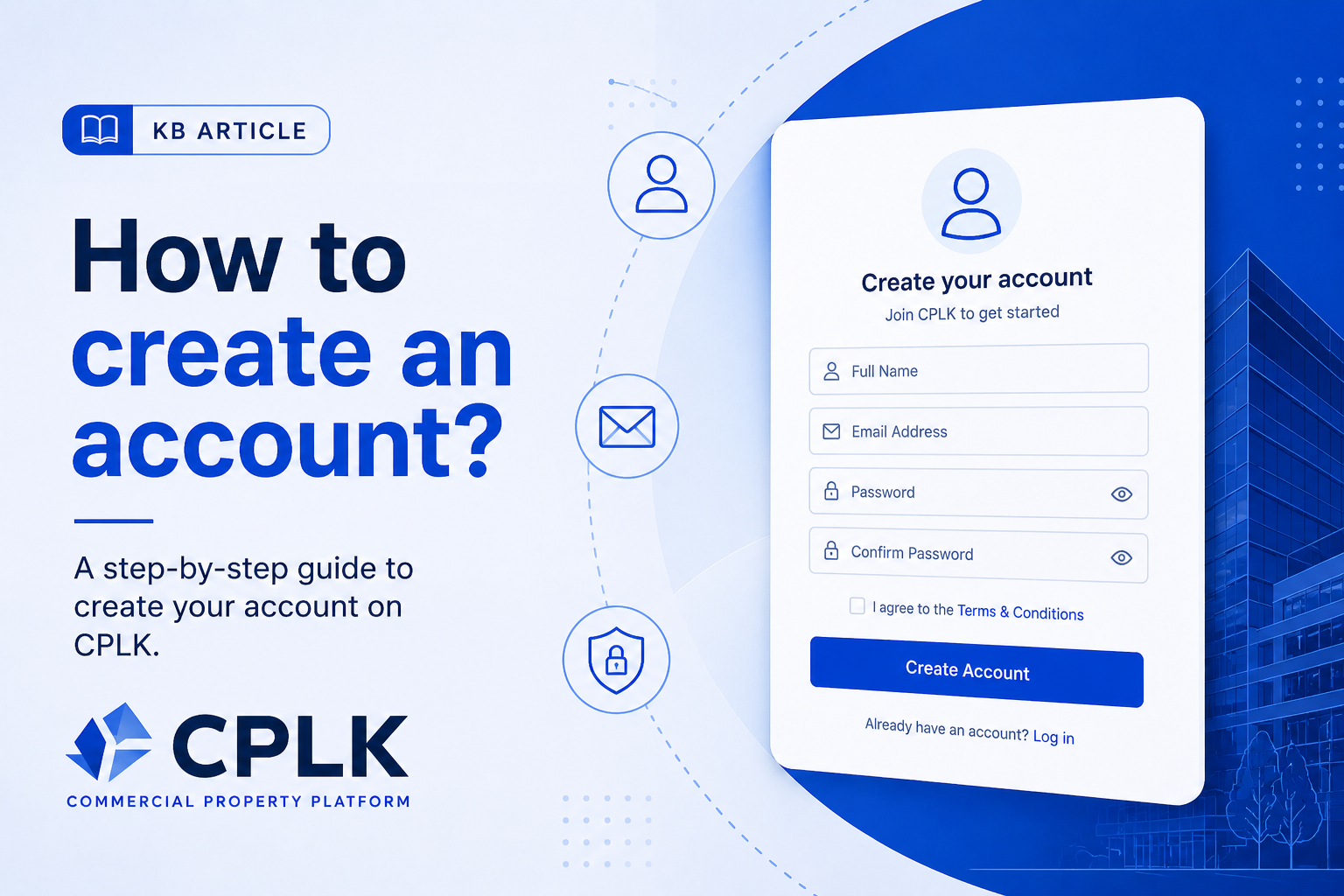
Creating an account on CPLK allows you to list properties, contact advertisers, and manage your activity on the platform. The process starts with email verification and then completing your profile.
🪜 Steps to Create an Account
Go to the CPLK website
Click Sign Up (top right corner)
Enter your email address
Click Create Account
Check your email and click the verification link
Complete your profile by entering:
Name
Phone number
Password
Select your account type:
Property Viewer
Property Owner
Agency
Click Complete Registration
🔐 What Happens Next
Your account will be activated after completing registration
You will be redirected to your dashboard
You can start using CPLK features based on your selected role
⚠️ Common Issues
📭 Didn’t receive verification email?
Check your Spam / Junk folder
Wait a few minutes and refresh your inbox
Click Resend Email
⏳ Verification link expired
Restart the signup process
Request a new verification email
❌ Email already registered
Try logging in
Use Forgot Password to reset access
🚫 Agent role not available
Agents cannot register directly
You must be invited by an agency
🔗 Related Articles
What is CPLK?
Account types explained
How to verify your email
Was this article helpful?
If you still have questions, our support team is here to help.
Submit a Support TicketNot signed in? Sign in first
