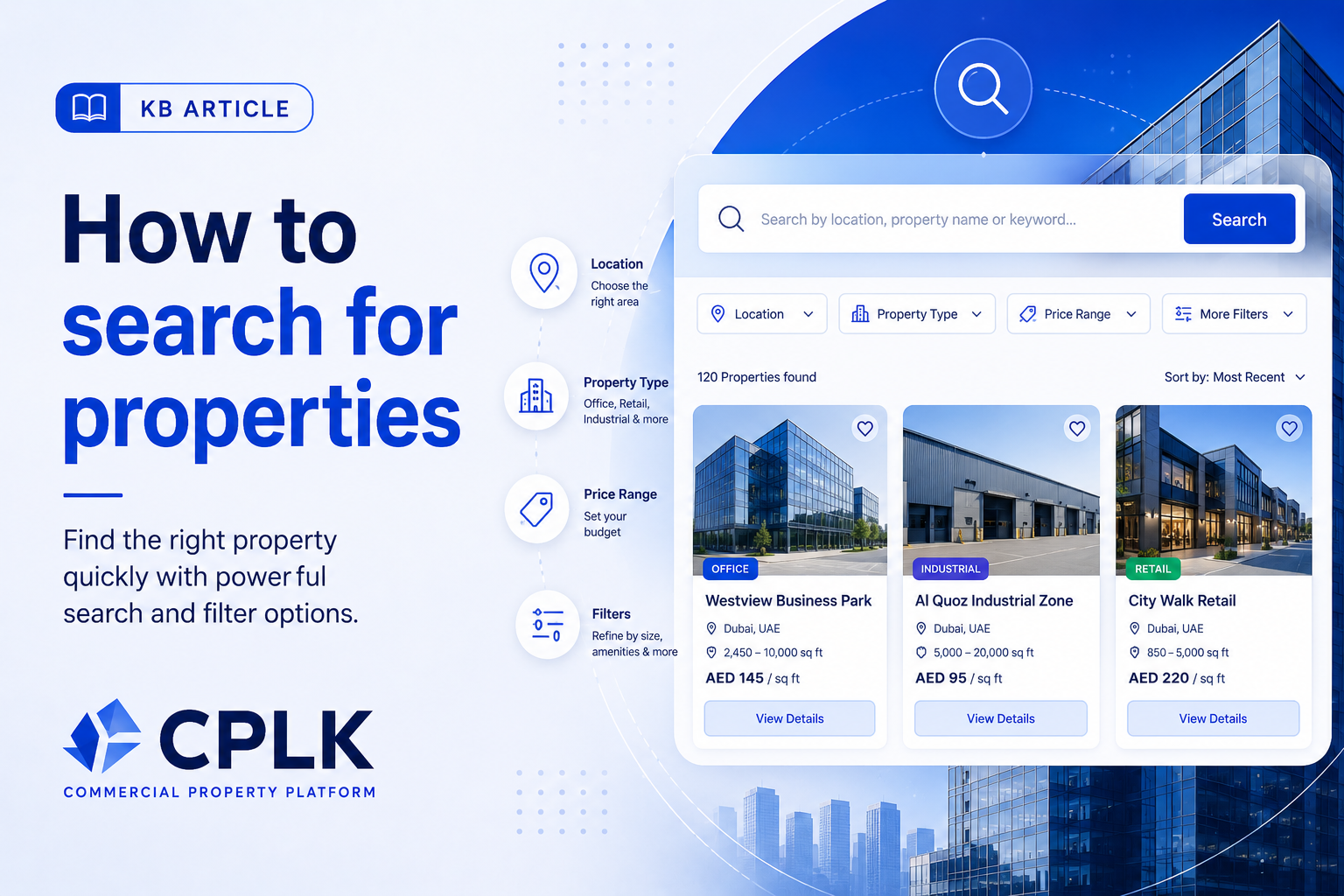
Finding the right commercial property on CPLK is quick and easy using our powerful search tools. Follow the steps below to discover properties that match your exact needs.
🧭 Step 1: Go to the Search Page
From the homepage, use the main search bar or navigate to the “Search Properties” section.
🔎 Step 2: Enter Your Basic Criteria
Start by entering key details such as:
Location (city, area, or district)
Property Type (office, retail, warehouse, etc.)
Keywords (e.g., “furnished office”, “near highway”)
Click Search to view available listings.
⚙️ Step 3: Use Filters to Refine Results
Narrow down your results using advanced filters:
Price range
Property size (sq.ft)
Listing type (rent/sale)
Availability status
Amenities and features
💡 Tip: Applying more filters helps you find more relevant results faster.
⭐ Step 4: Understand Listing Priority
Search results are displayed based on visibility and quality:
Featured Listings – Highest visibility
Boosted Listings – Promoted for better reach
Standard Listings – Regular listings
Additionally:
Verified Properties appear higher in results
Newer listings may also rank higher
🏷️ Step 5: Look for Verified Listings
Listings marked as “Verified” have been reviewed by CPLK for authenticity and quality.
👉 These are recommended for safer and more reliable transactions.
📄 Step 6: View Property Details
Click on any listing to see:
Full property description
Images and videos
Location map
Advertiser details
💬 Step 7: Contact the Advertiser
Interested in a property?
Use the Call or Chat/Inquiry option
Save the listing for later comparison
❤️ Step 8: Save & Compare Properties
Click the Save (❤️) icon to bookmark listings
Compare multiple properties to make better decisions
🚀 Pro Tips
Use specific keywords for better results
Check Verified listings first
Sort by newest to see fresh opportunities
Save multiple options before deciding
Was this article helpful?
If you still have questions, our support team is here to help.
Submit a Support TicketNot signed in? Sign in first
